


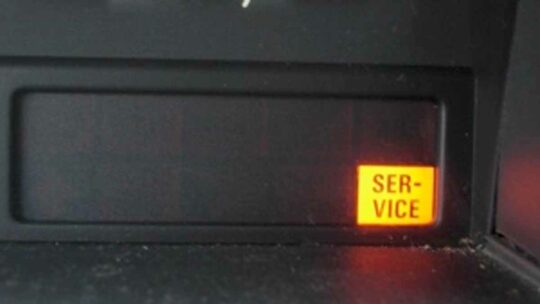
This reset is handy for the S80 owner who perform their own repair/ maintenance and then notices the “General Maintenance Required” service message light is still illuminated.
Volvo S80 Reset Service Message Instructions:
- Turn ignition switch to position I
- Press and hold “day counter reset button”
- Turn ignition to position II
- Continue holding day counter for about 10 seconds
- While SRL flashes, release day counter button
- Should hear “beep-beep” to confirm command accepted
Once the reset is complete, turn on the ignition to confirm the reset was successful.
Last Updated on August 19, 2020


4 Comments
How do I reset my service light on my Volvo xc70 2007
On my 04 S80awd, I too had to use position 2 and 3 and it cleared the message.
Thank you! I have same year and model and was wondering how to do it ?
FWIW
On my 03 S80.
Position l is the off position. In order to reset
the “Service Message” I had to start at position ll and end at position lll.
Other than that the procedure is correct.