Check out these Original Technical Publications
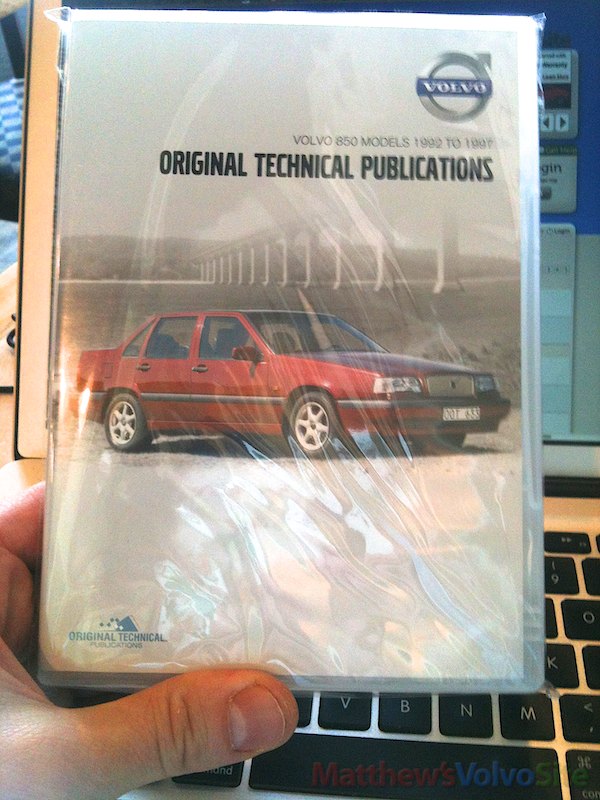
This review covers the 850 version of the new Original Technical Publications series of DVDs. I have no reason to think that the other models’ versions are different in the way they work, and neither do I suspect that use on Windows differs significantly. If you own any DVD from the series and can comment on this, please do.
DVD Initial Impressions, Install, Introduction
The DVD is packaged simply, it’s just a hard case with serial number, and the disc. There is no booklet, just an embedded, printed case cover. The DVD runs on Mac OS X 10.4 and up, and on Windows 2000/XP/Vista/7.
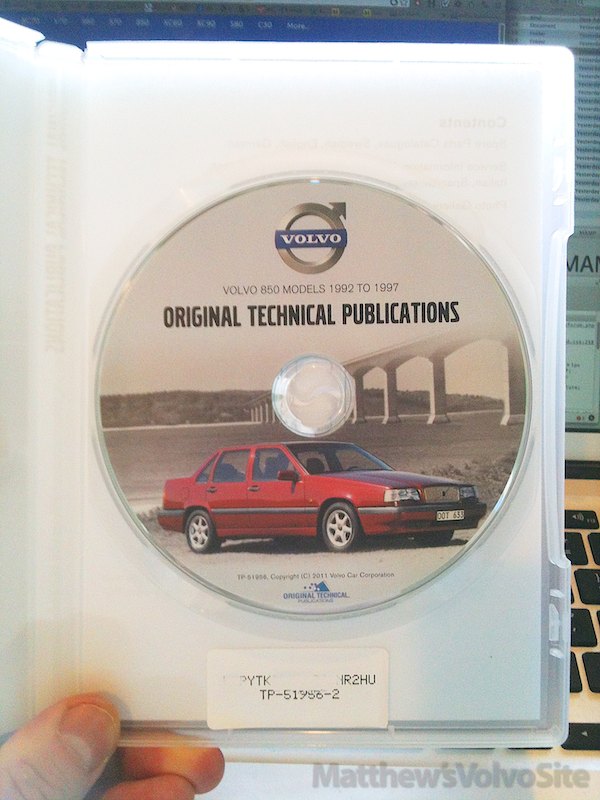
Yes, it’s copy-protected, which comes with the penalty of having to use proprietary software to use the product. This would be a problem if say you had to recover from a hard drive crash by re-installing all your applications on your Mac or PC, or if you upgraded to a new machine. Keep the DVD case with the serial number on it. A warning during install:
Please note that OTP allow you to use our software on only one computer per account. After fully setting up the software for use, if you want to move to a different computer you will need to remove your LockLizard account keystore from the original system before installing on the new one. To do so you will need to keep hold of the license .llv file you receive. You will not be able to go through the activation sequence again with the same code.
Using the OTP Software
The information comes to you via two applications (in the Mac version anyway, I didn’t test Windows). The first serves as the high-level organizer, and it’s named OTP.app (13 MB). The viewer application goes by the name LockLizard Safeguard Viewer, and clocks in at 7.6 MB. I’ll refer to it as LLSV for the rest of this review. You start in OTP, which hands you off to LLSV when you select a document to view. Sexy it’s not.

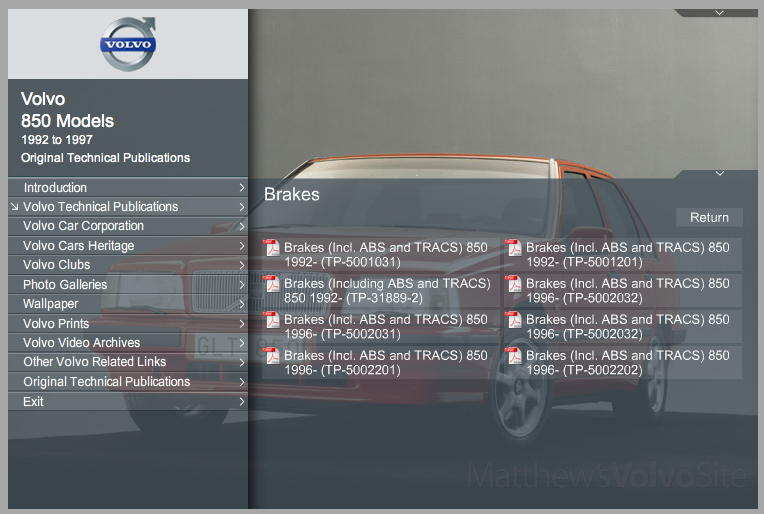
LLSV looks and acts like a slightly re-engineered Preview.app, which is Mac OS X’s ubiquitous PDF/image viewer.
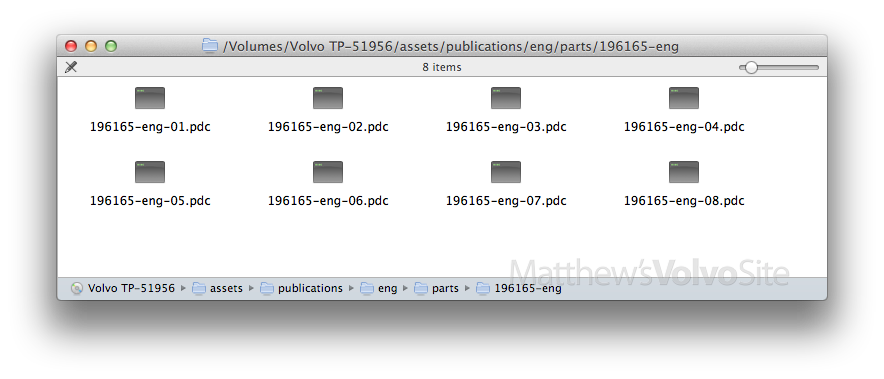
The guts of the product are PDF files with secure wrappers — called “PDC” documents on the DVD case — that are unlocked by LLSV on-the-fly, as you view the documents. It’s entirely transparent, you only have to enter a serial number once, when you activate the product.
Copying contents onto your Mac/PC clipboard is not allowed, unsurprisingly. Even if it was, you’d be copying huge page-sized images, not actual text.
On a Mac anyway, this product can be used without the physical DVD. Copy the contents to your hard drive and you’re all set. You don’t need to make a “virtual” DVD even.
So… How’s the Overall Quality?
It’s easy to just browse without looking for specifics, very friendly and uncluttered. Because text is not indexed (see more on that below), finding specific information may take time, depending on how obscure the data is you’re looking for. My impression is that overall, the information is very broad, and often very deep. If you want to know if I think it’s worth $50 so you can stop reading and go order one, yes, I think it’s worth $50.
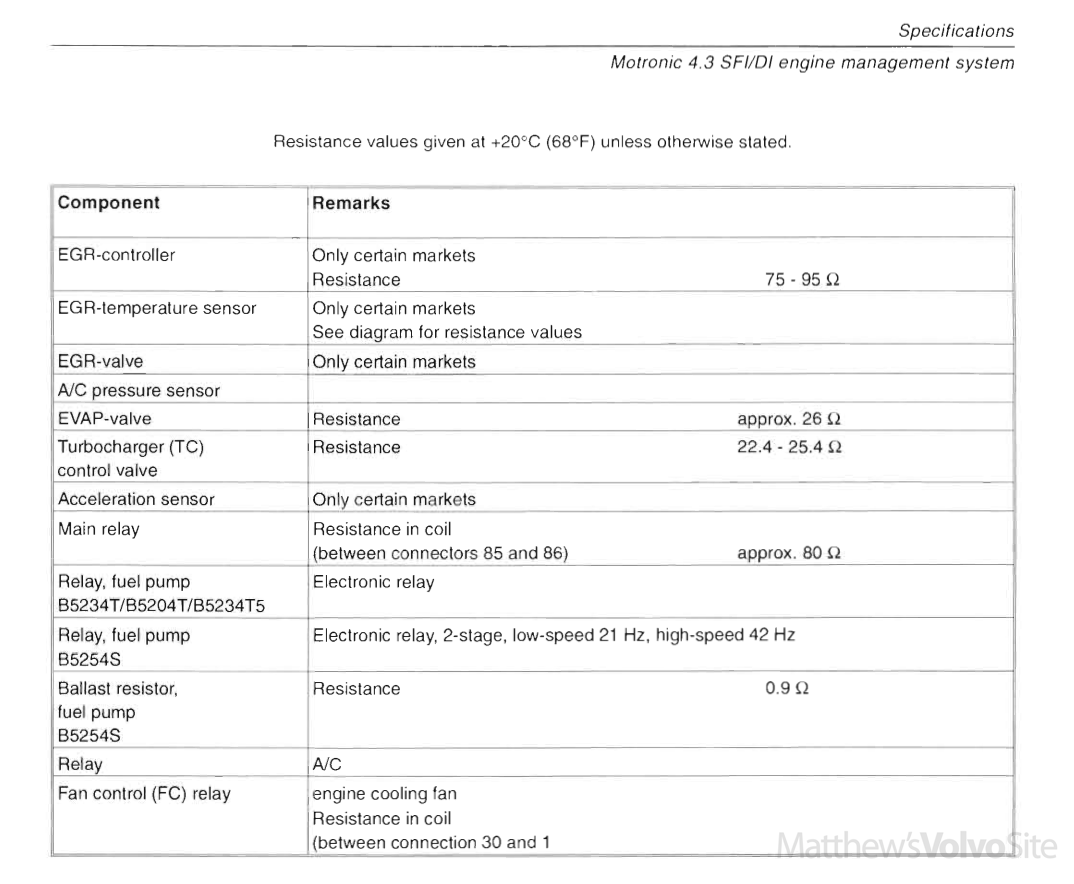
The images and text, scanned from the printed manuals of 1990s vintage, are high resolution and generally crisp enough for 200-300% magnification.
Information Organization
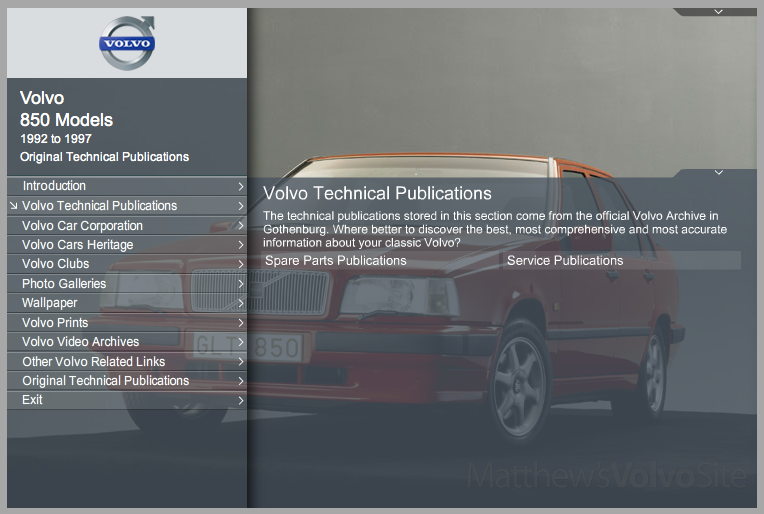
The most important information is broken into two groups: Spare Parts Publications and Service Publications.
Spare Parts
This is the Volvo Parts Catalog, and features parts, part numbers and part illustrations. The illustrations you’re probably familiar with if you’ve ever seen the exploded diagrams that parts retailers feature on their websites, or screenshot images of VADIS or VIDA posted in various Volvo forums.
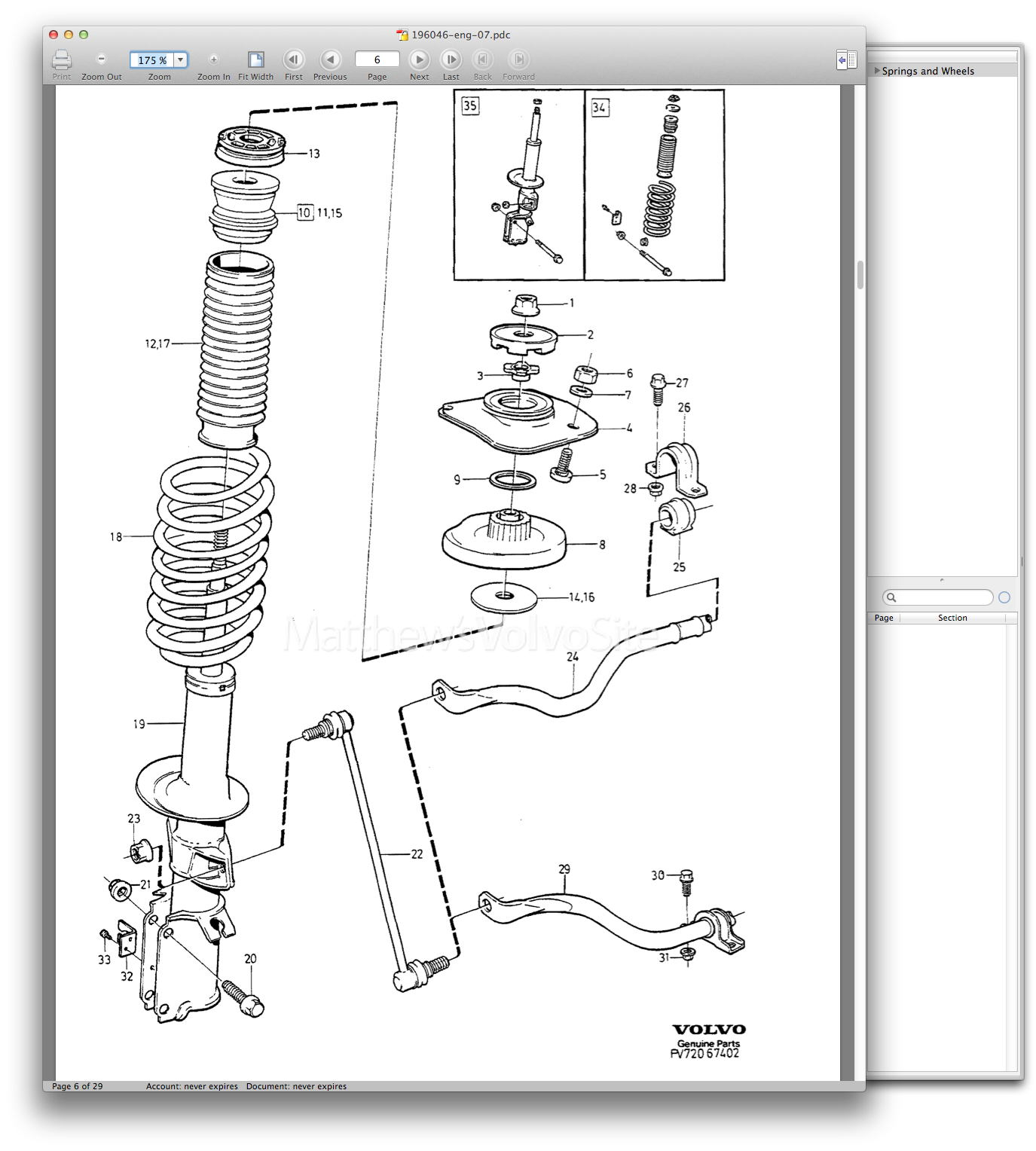
Upsides
It’s from Gothenburg, it’s the real deal. It’s quite literally 1.86 GB of information to diagnose and treat your Volvo 850. (The entire disc’s contents are over 8 GB, but after paring down to just English documentation, we’re left with 1.86 GB.) And it’s got some neat-but-geeky bonus stuff (see below).
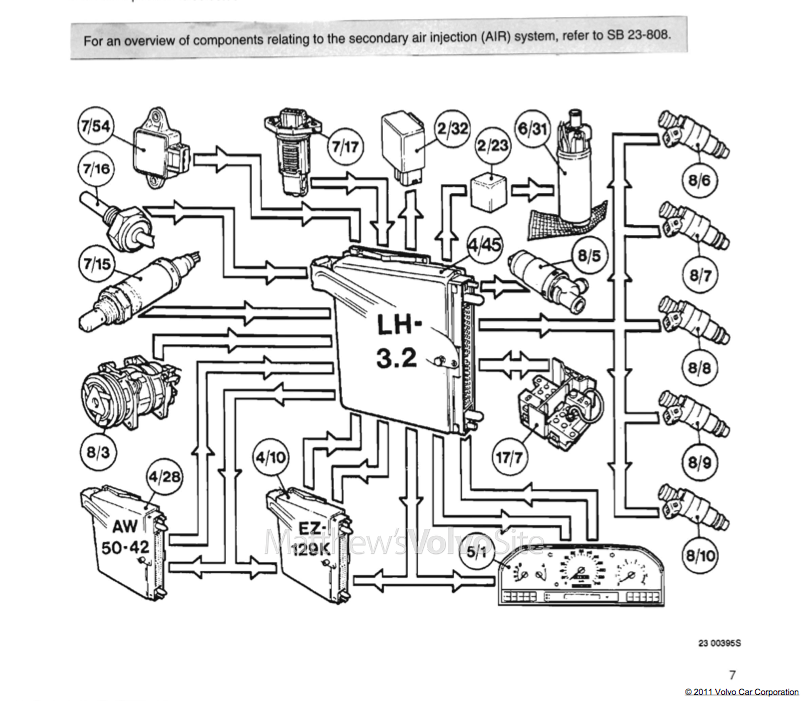
Downsides
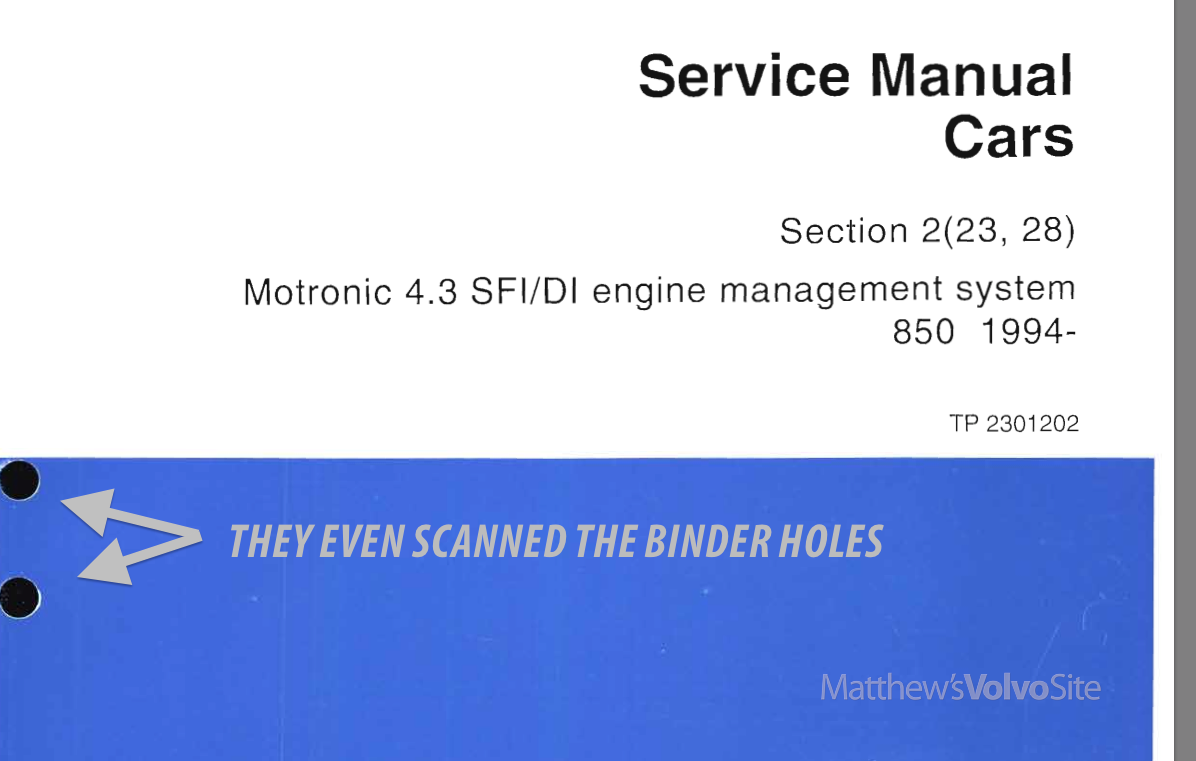
Not only is content not copyable to your computer’s clipboard, the content is not searchable. Let me repeat that: the text is not searchable. The first document I opened was Motronic 4.3 Engine Management System, and it’s 466 pages long. Yea.
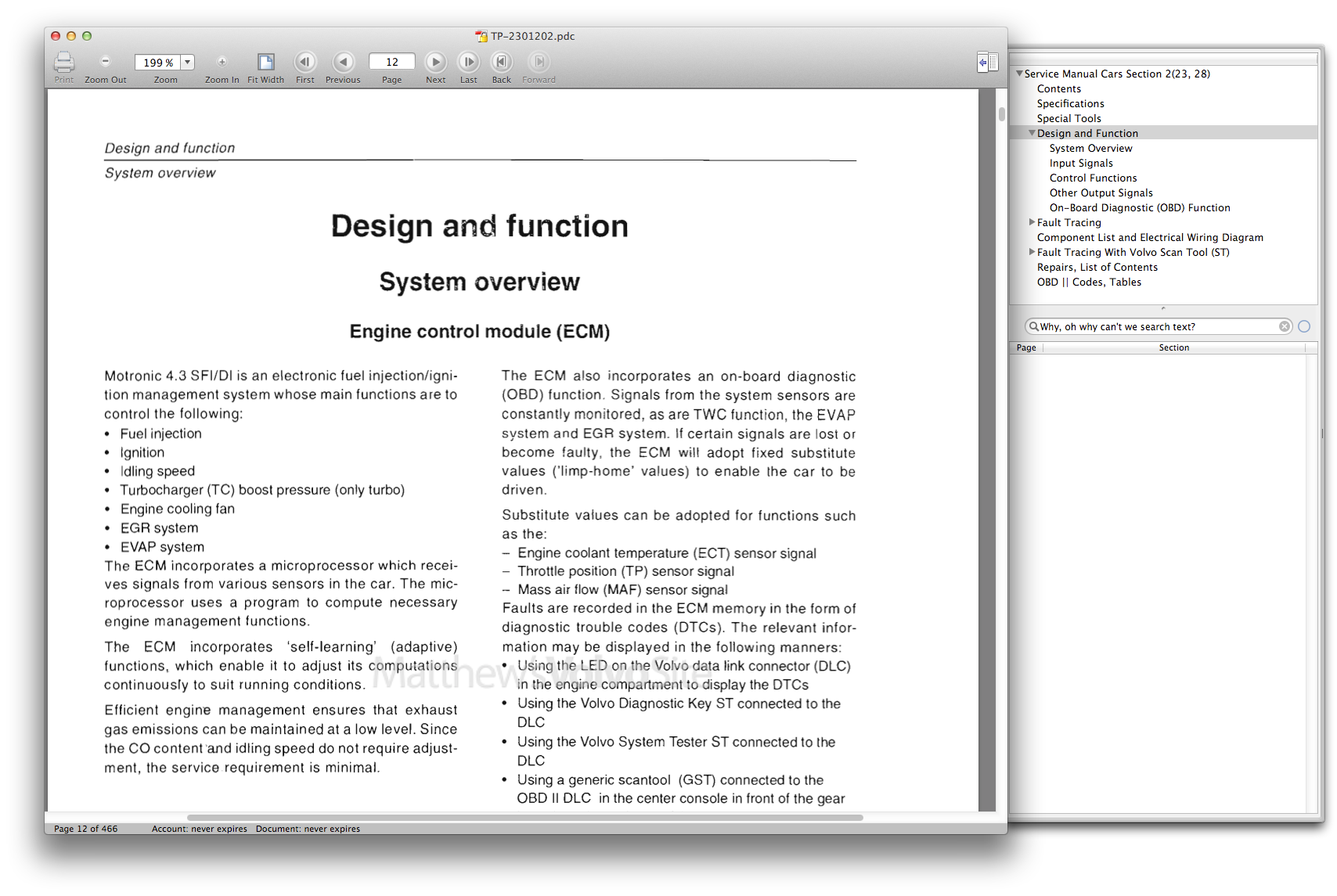
Yet the programmers left the Search box in the LLSV application, a cruel joke that only serves to remind you that Volvo wouldn’t or couldn’t turn the old scanned images of the manual into computer-readable text. In effect, everything you look at is an image, even the text.
Digging around in Volvo’s Web site I found the analog/digital cuttoff: 1999. ‘Beginning in model year 1999, most service manuals moved from paper format to a fully electronic environment.
Two formats are available, VIDA On-the-Web, which presents the material via the Internet, and VIDA All-in-One which uses DVD disks. To find out more about VIDA click on the “Subscriptions” link.’
Prints, Galleries and Other Bonus Oddities
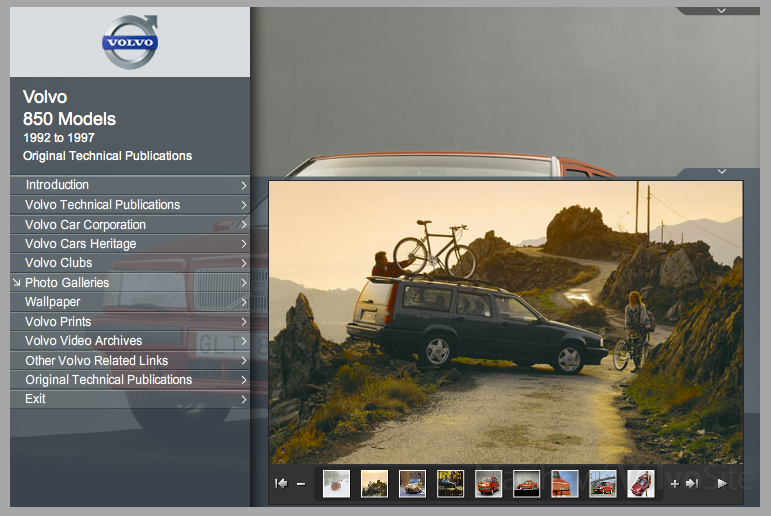
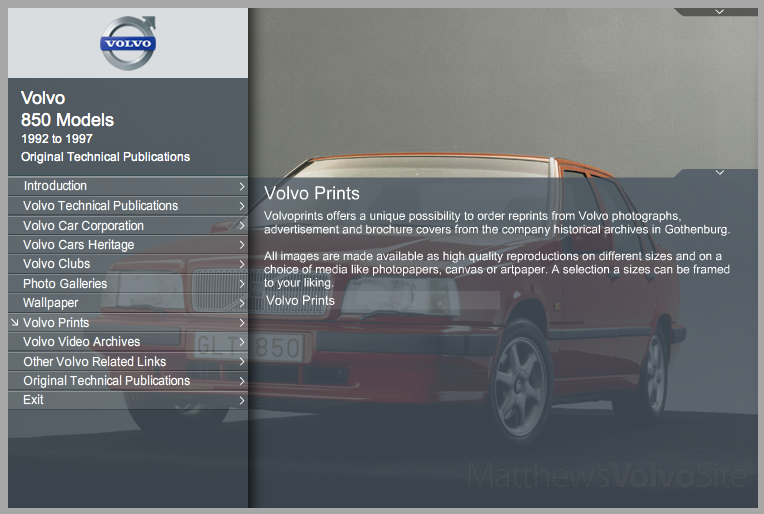
In addition to fairly decent information about your Volvo, you’ll find some odd-but-interesting extras like a link to several Volvo videos on YouTube. The first two among that group are OTP DVD help videos, and the rest are actual TV ads for Volvos cars such as the Duett, P1800 and others.
Versions
Each is a separate $50 DVD:
- All Volvo Models from 1926 to 1958 (excluding PV444)
- PV444, PV544, P110 and Sport, PV445, P210—1944 to 1965
- P120, P130 and P220 ‘Amazon’ Models—1956 to 1970
- 1800, 1800 S, 1800 E, 1800 ES—1961 to 1973
- 140, 164 Models—1966 to 1975
- 240, 260 Models—1974 to 1993
- 340, 360 Models—1976 to 1991 (including Volvo 66)
- 440, 460, 480 Models—1986 to 1996
- 740, 760, 780 Models—1982 to 1992
- 850 Models—1992 to 1997
- 940, 960, S 90, V90 Models—1990 to 1998
Languages
- deu
- eng
- esp
- fra
- ita
- ned
- sve
Questions and comments taken in this topic in the Volvo Forum. Thanks for reading!
Welcome to Matthews Volvo Site! Your one stop shop for all Volvo news, help and DIY fixes. We feature the Volvo Repair Database, the best Volvo Forum, and an awesome monthly Volvo newsletter. Joining is always free!
Subscribe to the MVS Newsletter
The MVS Volvo Newsletter is a once-a-month email delivered to your email. It’s simple to unsubscribe at any time if you change your mind.
Visit The Official Volvo Cars Website
Last Updated on August 19, 2020